Playground
For the beginners, who are willing to start using JupyterLab or Notebook for scientific research, we are providing a "Playground" based on Jupyterlite project.
Users can access the Playground by clicking navigation bar item "Playground" which will redirect users to following:
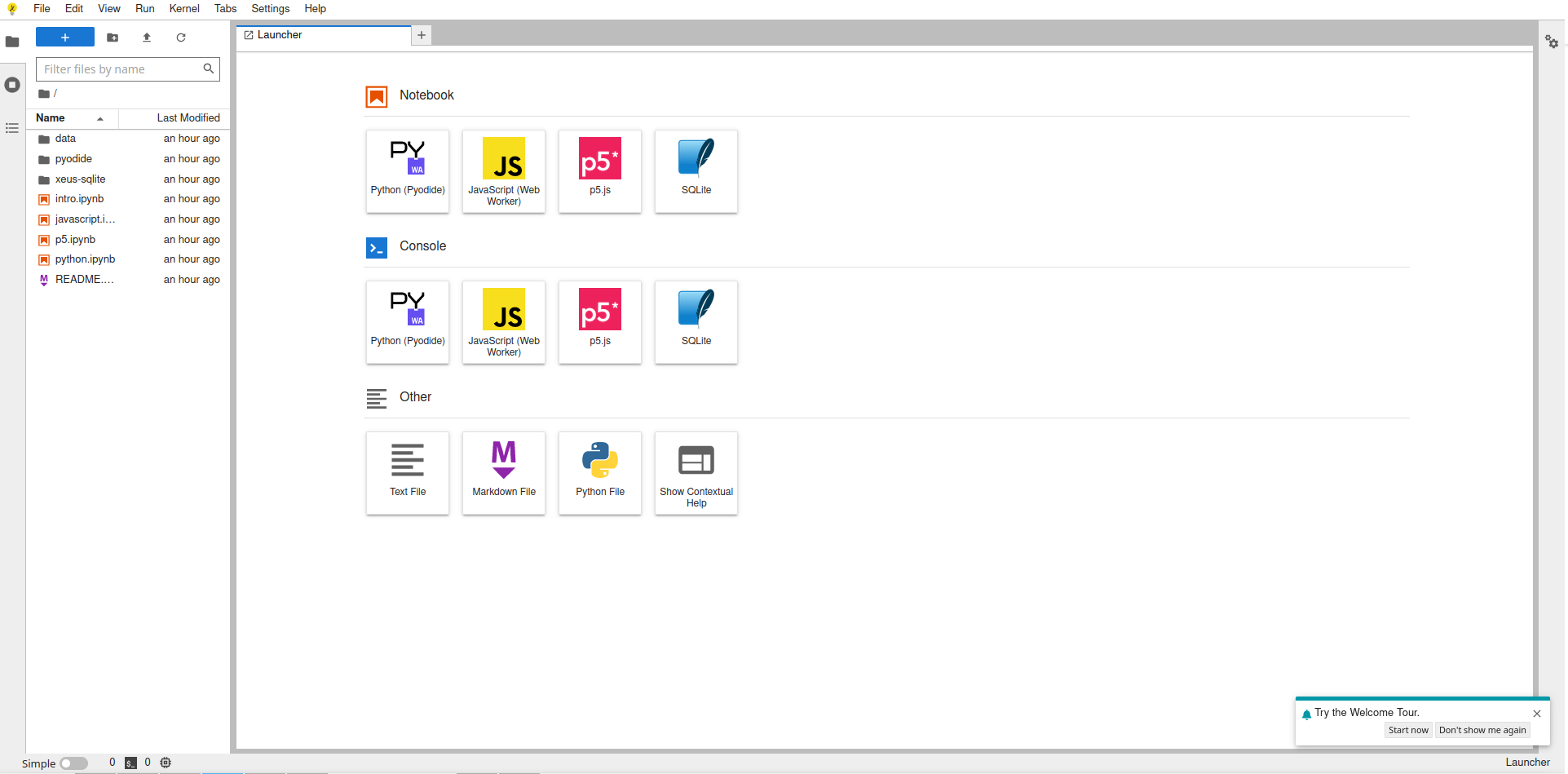
which looks very similar to JupyterLab interface. In fact, it is an almost "vanilla" JupyterLab that is running entirely in your browser. There is no backend server running to power this JupyterLab instance.
When using Playground, it is important to note that there is nothing running on Jean Zay or IDRIS infrastructure. This is a normal static content website that is being served to the users. All the files are stored in user's browsers and code is being run in the user's browser. Yes, that is correct. Your are running your Python code in the browser. WASM and Pyodide makes it possible. As Pyodide is a specific Python distribution for WASM, not all packages are available at the moment. However, most of the important packages used in the context of JupyterLab like pandas, numpy, scipy, etc., are already well supported.
When user starts Playground, several sample notebooks are provided in
the folder pyodide where the usage of different modules in Jupyter
stack are illustrated. We recommend beginners to start with these
notebooks as they are a good starting point. Note that users need to
have access to internet to be able to use certain notebooks.
If users would like to add new files in the Playground, drag and drop them in the file explorer. Similarly, users can always download the files from Playground using download button.
Once the users close the Playground browser tab, all the changes will be lost. So be sure to download them to your local workstation before shutting down Playground.
Currently, there is a Python kernel, p5.js kernel and Javascript kernel provided in the Playground. We will try to include more kernels for different programming languages if and when they will be supported on WASM stack.