This page was translated by an AI (LLM) with a cursory human check and is awaiting full review.
The DARI website has evolved since this documentation was written, and some steps or screenshots may be outdated.
Linking a computing account to an hour allocation
Whether you already have a computing account on Jean Zay or not, you must request to be linked to the Dynamic Access (DA) or Regular Access (RA) file whose resources you wish to use. For this, you need to know the number of this file.
The existence of an open computing account is not necessary when requesting the link, an eDARI account is sufficient. However, you must complete and validate a computing account declaration to access the project's resources in fine.
The linking procedure is carried out from your personal space on the eDARI portal as follows:
- You must first log in via the "Log in or create an eDARI account" link (top right of the page):
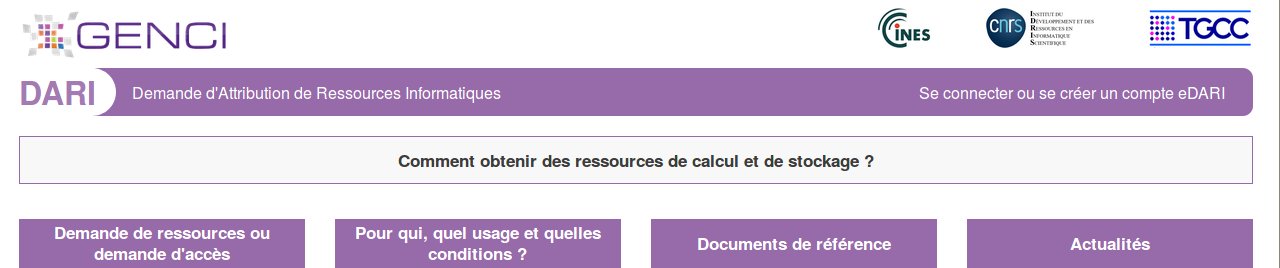
- This opens a new page where you choose the type of connection desired ("Log in via the Education-Research Federation" or "Log in with an eDARI account").
- Once logged in to the eDARI portal, click on the "Link to a file" link in the light green box "LIST OF GENERAL ACTIONS POSSIBLE":

- Enter the number of the file to which you wish to be linked and click on the blue "Request link" button. The person in charge of the indicated file will be notified and will respond positively or negatively to your request:
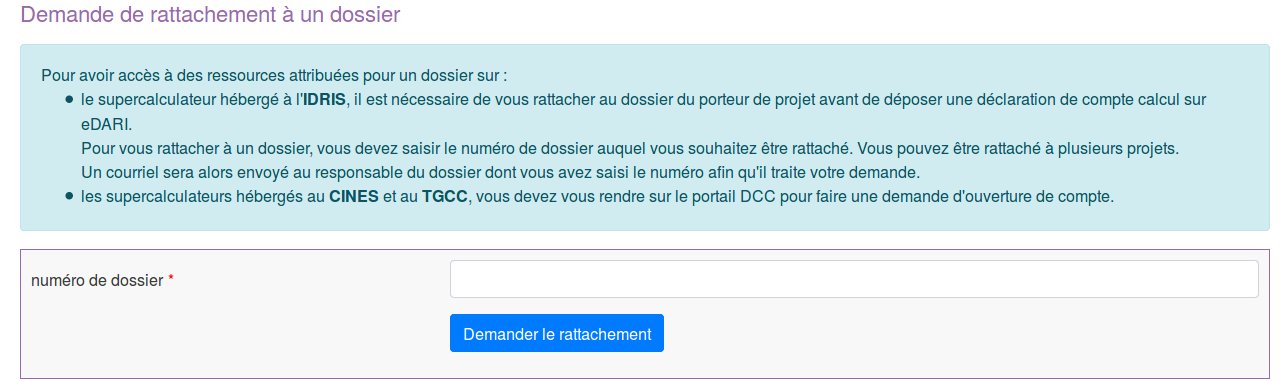
IDRIS will be informed of the acceptance or refusal of the link and, if necessary, will proceed to associate your existing computing account with this new project or will associate your future computing account with this file.
You can therefore be linked to several projects, which implies taking certain precautions when working on the supercomputer. We strongly recommend that you consult our documentation on managing users linked to multiple projects; see the multi-project user guide.